8 Best Home Organization Apps in 2026 (Including Free Options)

Home organization apps can make everyday life easier—but only when they solve a problem you actually have.
You do not need an app for every part of your home. In fact, downloading five different apps can leave you with five more systems to remember to maintain.
The better approach is to figure out what keeps slipping through the cracks. Is it cleaning? Groceries? Appointments? Home maintenance? Household projects? Start there.
The two apps I personally use regularly are Google Calendar and OurGroceries. Google Calendar holds everything from appointments to reminders for housework chores and landscaping tasks. OurGroceries is what I use for meal planning and grocery shopping.
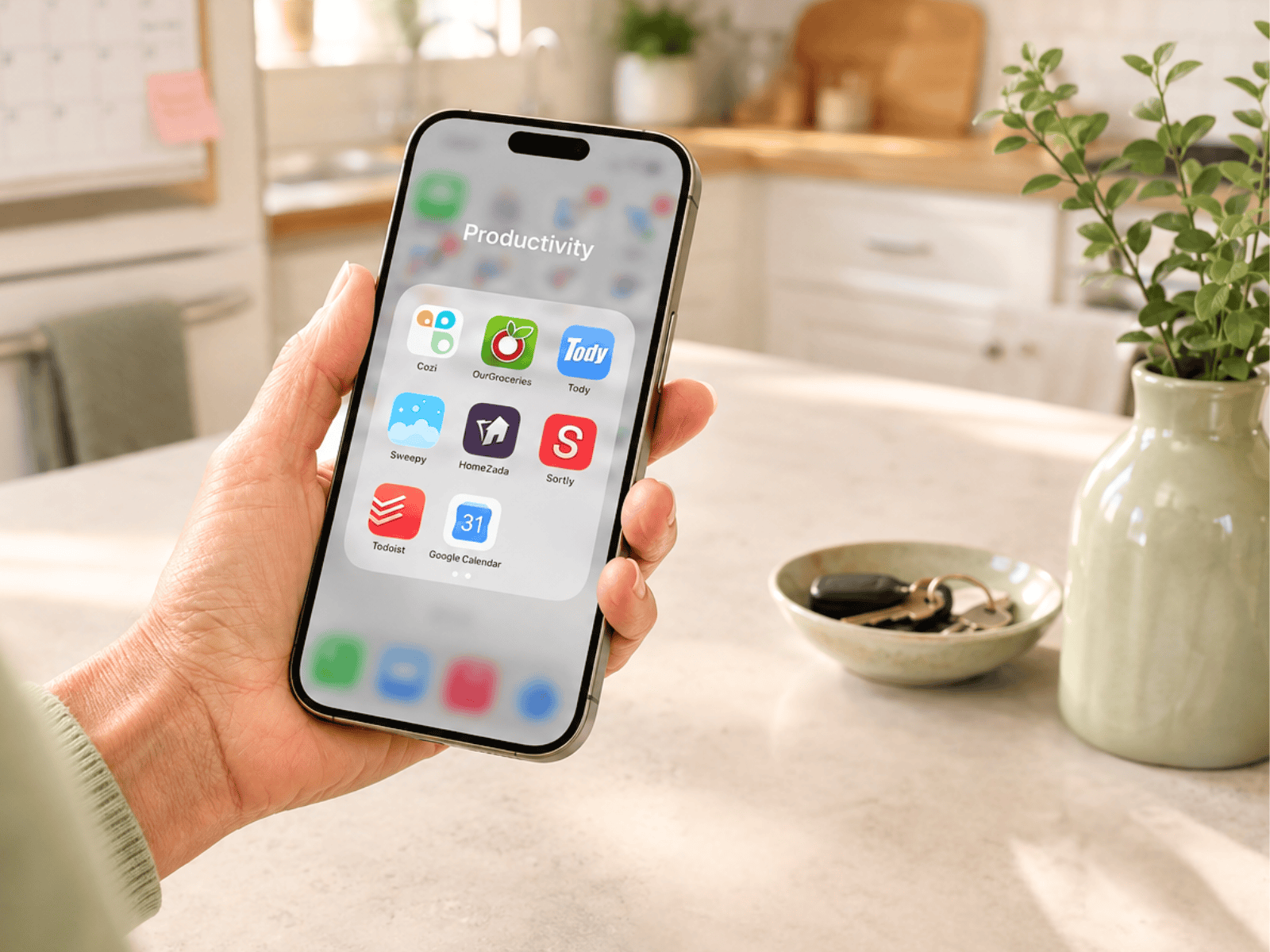
For the rest of this list, I focused on apps that solve a clear household problem rather than general productivity apps that happen to have an organizing feature.
The Best Home Organization Apps at a Glance
| App | Best For | Free Option? |
|---|---|---|
| Google Calendar | Home reminders, appointments, and recurring tasks | Yes |
| OurGroceries | Shared grocery lists | Yes, with ads |
| Cozi | All-in-one household scheduling and lists | Yes |
| Tody | Creating a cleaning routine | Yes for individual users |
| Sweepy | Making chores more structured and motivating | Basic features are free |
| HomeZada | Home records, inventory, and maintenance | Free basic plan; advanced features paid |
| Sortly | Detailed home inventory | Free option available |
| Todoist | Household tasks and projects | Yes |
A quick note about “free”: some of these apps have completely usable free versions, while others reserve certain features for paid plans. App features and pricing can change, so check the current plan before upgrading.
Before You Download Another Home Organization App

Start with the problem, not the app.
- If you keep forgetting to change your furnace filter, you need a reminder system.
- If everyone adds groceries to different scraps of paper, you need one shared shopping list.
- If you never know which cleaning task needs to happen next, a cleaning app may help.
- If your holiday decorations are spread across six bins in three different storage areas, an inventory app may make sense.
But do not create a complicated digital system for something that already works perfectly well with a basket, paper checklist, or calendar on the refrigerator.
The goal is not to become someone who uses more organization apps. The goal is to make your home easier to manage.
1. Google Calendar: Best for Home Reminders and Recurring Tasks
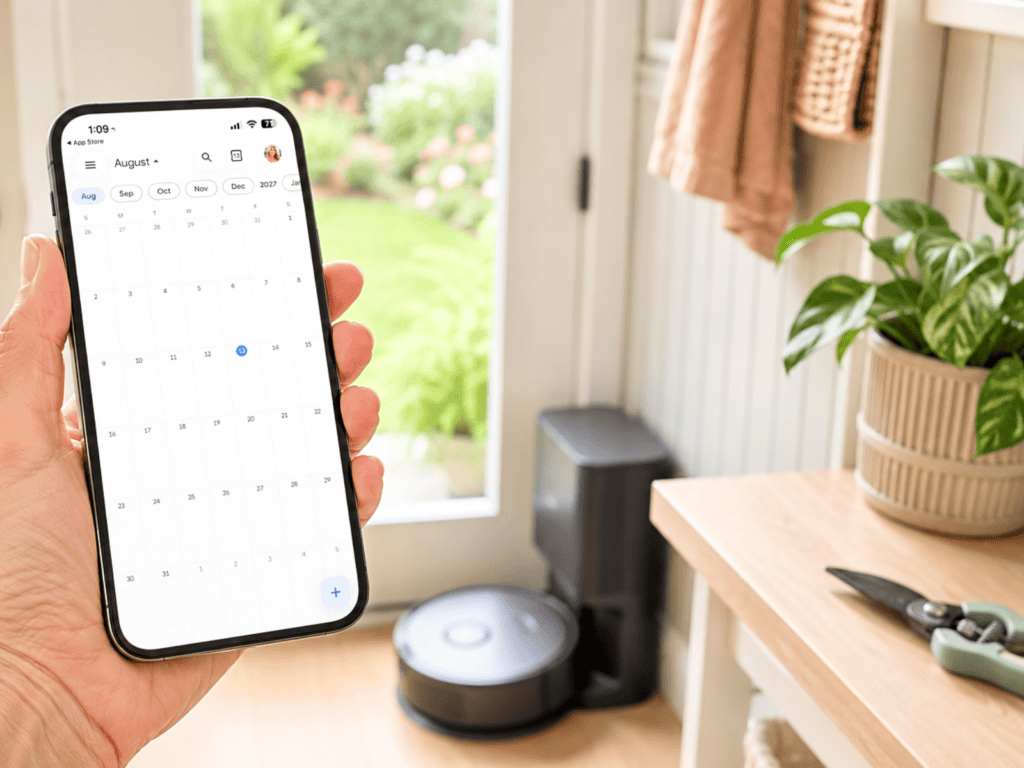
Google Calendar is the home organization app I use the most because I already look at my calendar every day.
I use it for appointments, but I also use it for things around the house that are easy to forget.
For example, I have reminders for when I need to change the bag on my robot vacuum cleaner. I schedule reminders for when certain plants in my landscaping need to be cut back. I use it for appointments, recurring household tasks, and anything else I do not want to rely on my memory to remember.
That is one reason I like using a calendar for home maintenance: I do not have to create another system. The reminder simply shows up where I am already looking.
Google Calendar lets you create repeating events and tasks, so it works especially well for things that happen on a predictable schedule.
Try using recurring entries for things such as:
- changing HVAC filters
- testing smoke detectors
- changing water filters
- seasonal landscaping tasks
- annual appointments
- pest-control reminders
- cleaning tasks that happen monthly or quarterly
Best for: People who already use Google Calendar and want one place for appointments and recurring home reminders.
Skip it if: You want a detailed chore system that tracks individual cleaning tasks room by room.
If the bigger challenge is keeping everyone’s appointments and activities in one place, my family calendar organization tips can help you set up a calendar people will actually use.
2. OurGroceries: Best for Grocery Lists and Saved Recipes
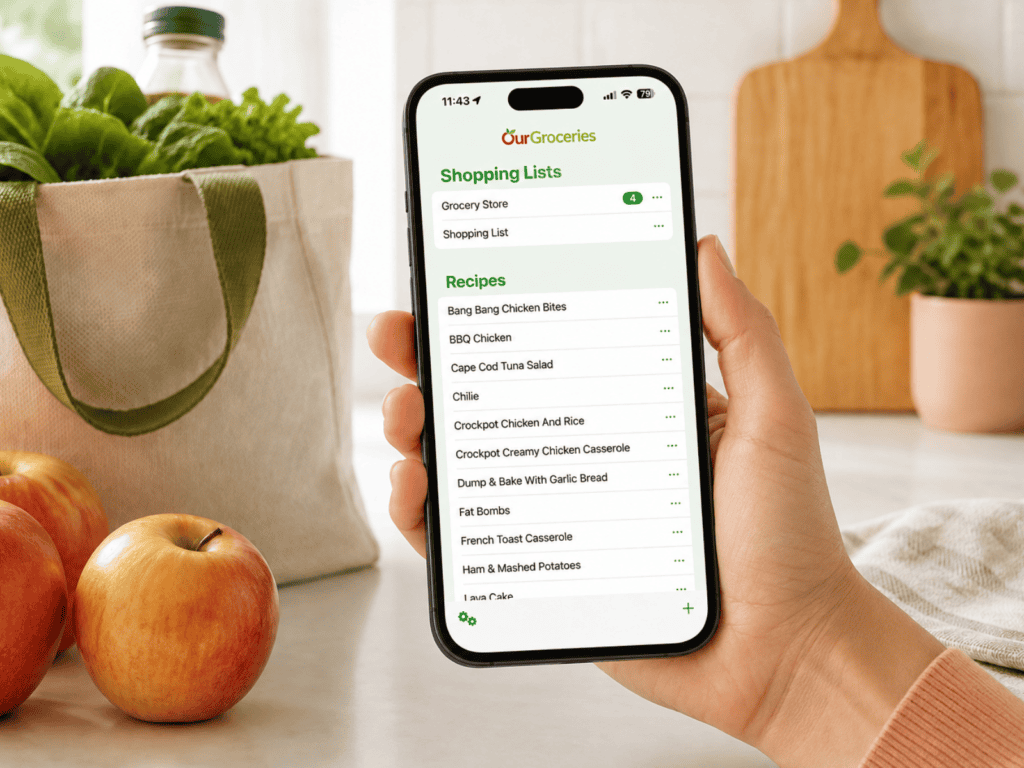
For groceries, I use OurGroceries, and one of the reasons I’ve stuck with it is that I can keep my recipes there too.
I use it for my grocery lists, but instead of keeping recipes scattered between bookmarks, screenshots, and different websites, I can save the recipes I use in the app and keep them connected to my shopping.
OurGroceries lets you save the main ingredients for a recipe and add the ones you need directly to a grocery list. You can also keep recipe instructions in the notes or save a link back to the original recipe if it came from a website.
That makes it especially useful when I’m deciding what to make and then need to turn that decision into an actual shopping list.
The grocery-list side is still very simple. You can create multiple lists, and if other people in your household use the app, everyone can share the same lists and see changes as they’re made.
I like that it doesn’t turn grocery shopping into another complicated system to maintain. I can keep the recipes I actually use, add the ingredients I need, and have my shopping list with me when I get to the store.
OurGroceries is free with ads, with an optional paid upgrade that removes them.
Best for: People who want a simple shared grocery list and a convenient place to keep the recipes they actually make.
Skip it if: You want one app to manage your household calendar, chores, home maintenance, meal-planning calendar, and grocery lists all in the same system.
3. Cozi: Best All-in-One Household Organizer
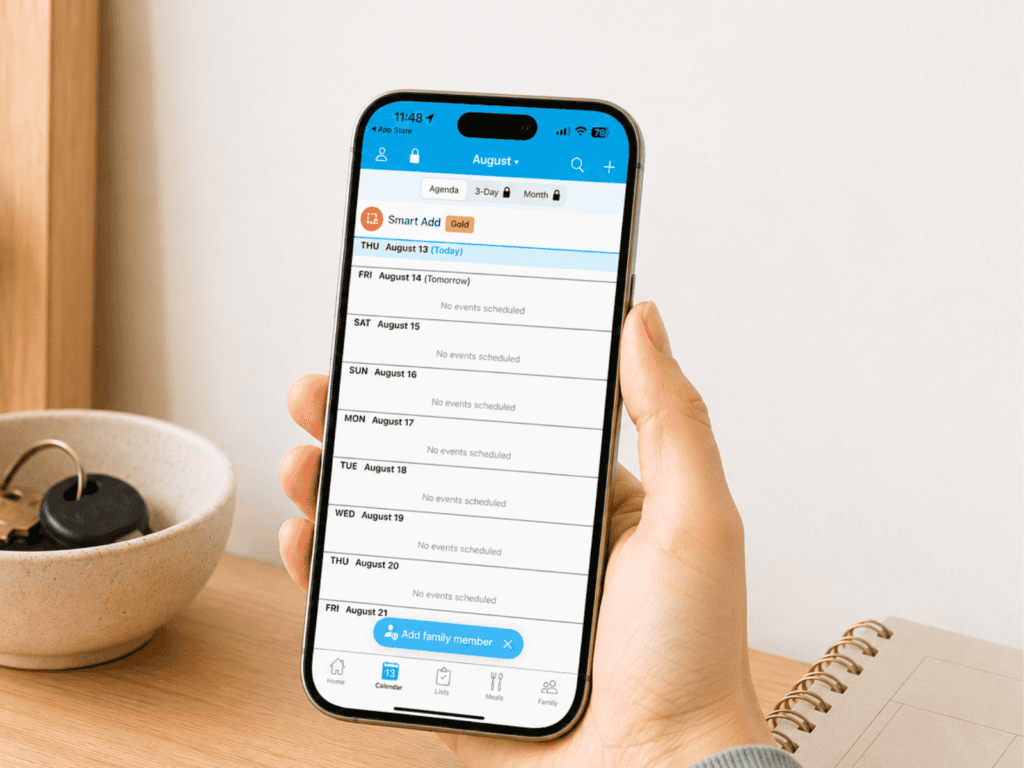
If you would rather keep several household systems together, Cozi is worth considering.
Its free version includes a shared calendar, shopping lists, to-do lists, and recipes that household members can access and update.
That can work well when the problem is not one forgotten task but information scattered everywhere.
Instead of one person having the appointments, another person keeping the grocery list, and a third list sitting on the kitchen counter, Cozi gives the household one central place to check.
I would especially consider it if multiple people need to see and update the same information.
Best for: Households that want calendars, lists, groceries, and basic planning in one app.
Skip it if: You live alone or already have separate systems you like. There is no reason to move everything into an all-in-one app simply because you can.
4. Tody: Best for Creating a Cleaning Routine
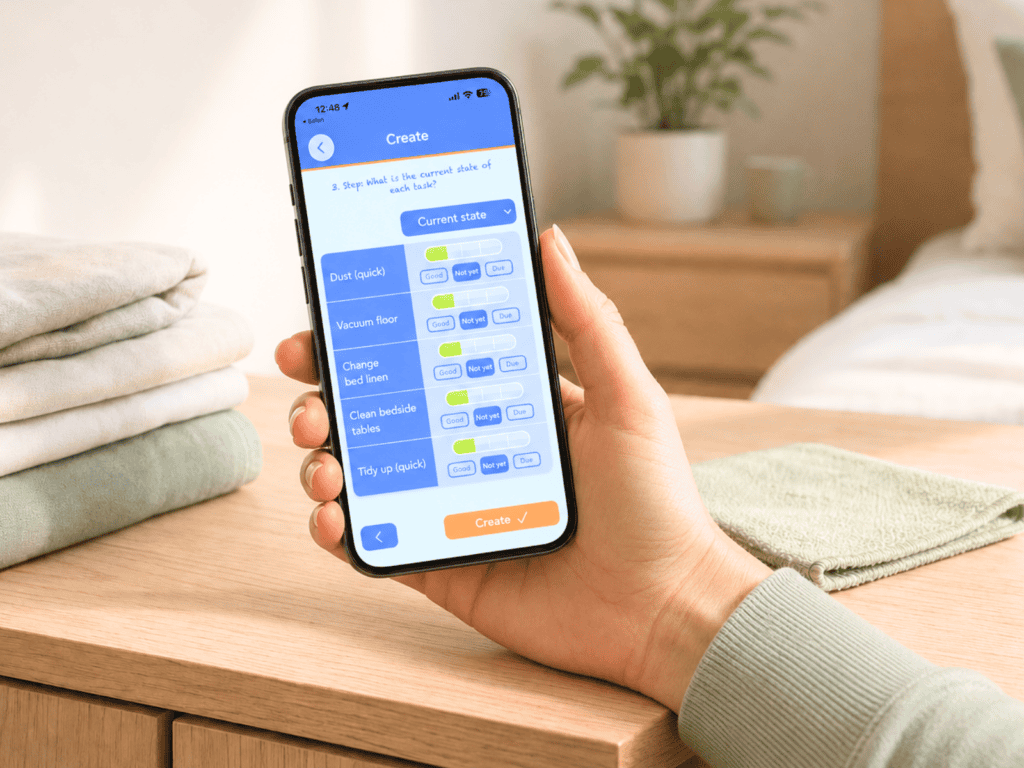
Cleaning is one of those jobs that becomes overwhelming when everything feels like it needs to be done at once.
Tody takes a different approach. You set up cleaning tasks and the app helps you see what needs attention instead of treating every room as equally urgent.
Its free plan is currently feature-complete for individual users and does not include ads.
This could be particularly useful if you often look around the house and think, I know I need to clean something, but where do I even start?
You can break the home into actual tasks such as cleaning the bathroom mirror, mopping the kitchen floor, dusting a bedroom, or cleaning the refrigerator.
That is much more manageable than one giant task called “clean the house.”
Best for: Someone who wants a straightforward cleaning system and does not need a complicated household planner.
Skip it if: A written cleaning checklist already works well for you.
If you prefer seeing everything on paper, my home cleaning schedule breaks housework into daily, weekly, monthly, and seasonal tasks and includes free printable checklists.
5. Sweepy: Best for Making Cleaning More Motivating
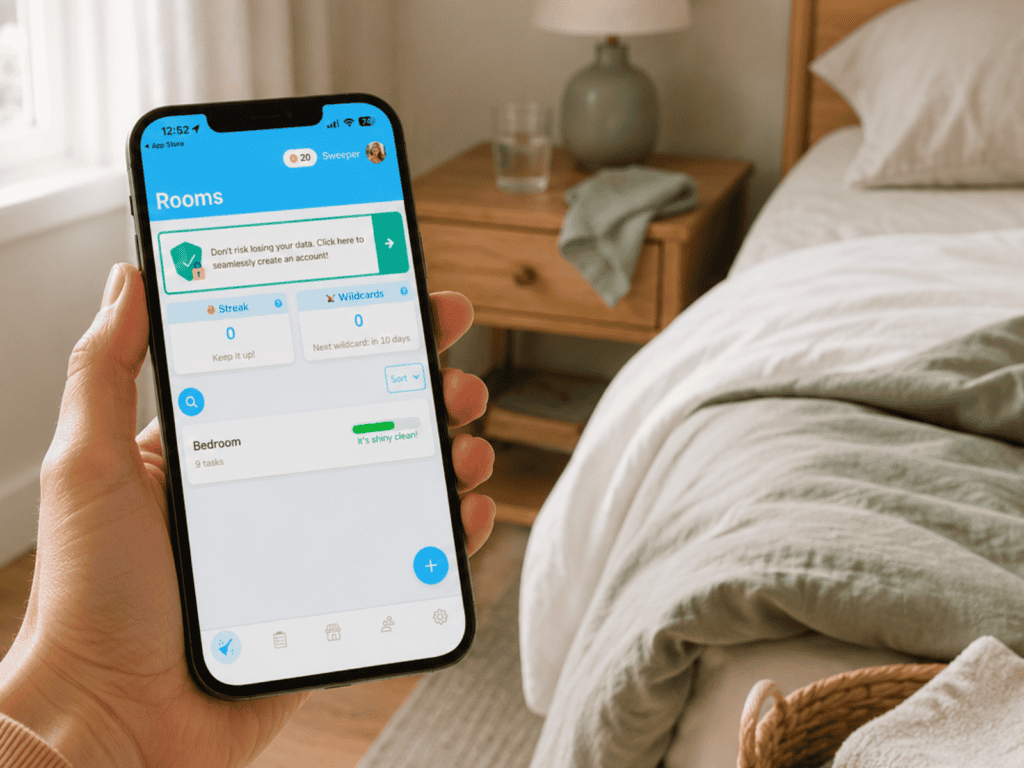
Sweepy is another cleaning-focused app, but it adds more of a game and household-participation element.
You can create cleaning tasks for different areas of your home, track how clean spaces are, and choose tasks based on the amount of effort you have available.
That last part is useful.
A good cleaning system should not assume you have the same amount of energy every day. Sometimes you can tackle a bigger job. Sometimes wiping a counter and cleaning a sink is enough.
Sweepy also lets household members participate in chores, and its premium Smart Schedule can automatically build a cleaning list based on the amount of cleaning you want to do.
You can create custom tasks without paying, while some of the more automated scheduling features require the premium version.
Best for: People who like visual progress, structured chore lists, or a little competition.
Skip it if: Gamification annoys you or you want the simplest possible cleaning routine. Tody may be the better fit.
6. HomeZada: Best for Home Records and Maintenance
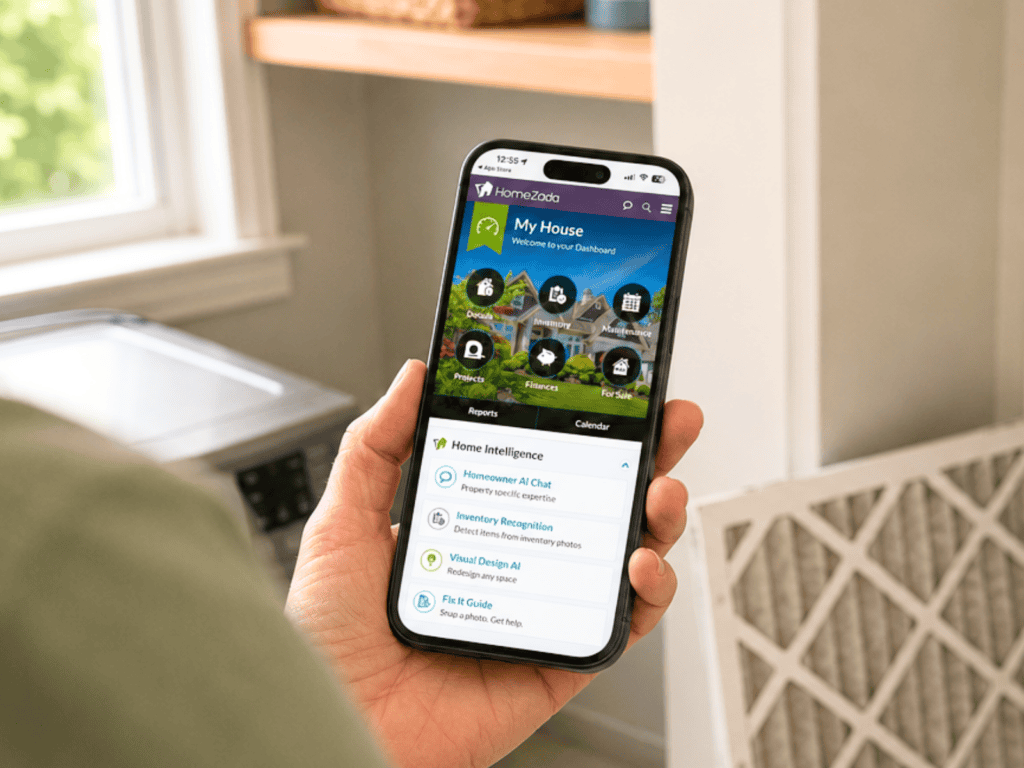
HomeZada goes beyond household chores.
It is designed for managing information about the home itself: inventory, documents, maintenance, projects, and other homeownership records.
The free Essentials plan currently includes home inventory and home-document features. More extensive maintenance, project, and financial-management tools are part of the paid plans.
This type of app makes the most sense when you’re trying to keep track of information you may need months or years from now.
Think:
- appliance information
- warranties
- home improvement records
- receipts
- household inventory
- maintenance history
- important home documents
If your only goal is remembering when to change an air filter, Google Calendar is simpler.
But if you want a digital record of the house itself, HomeZada is built for that job.
Best for: Homeowners who want important information about their property in one digital system.
Skip it if: You only need reminders. A calendar may be much easier to maintain.
If paperwork is the bigger problem, start with my beginner’s guide to organizing important documents at home before moving everything into another digital system.
7. Sortly: Best for a Detailed Home Inventory
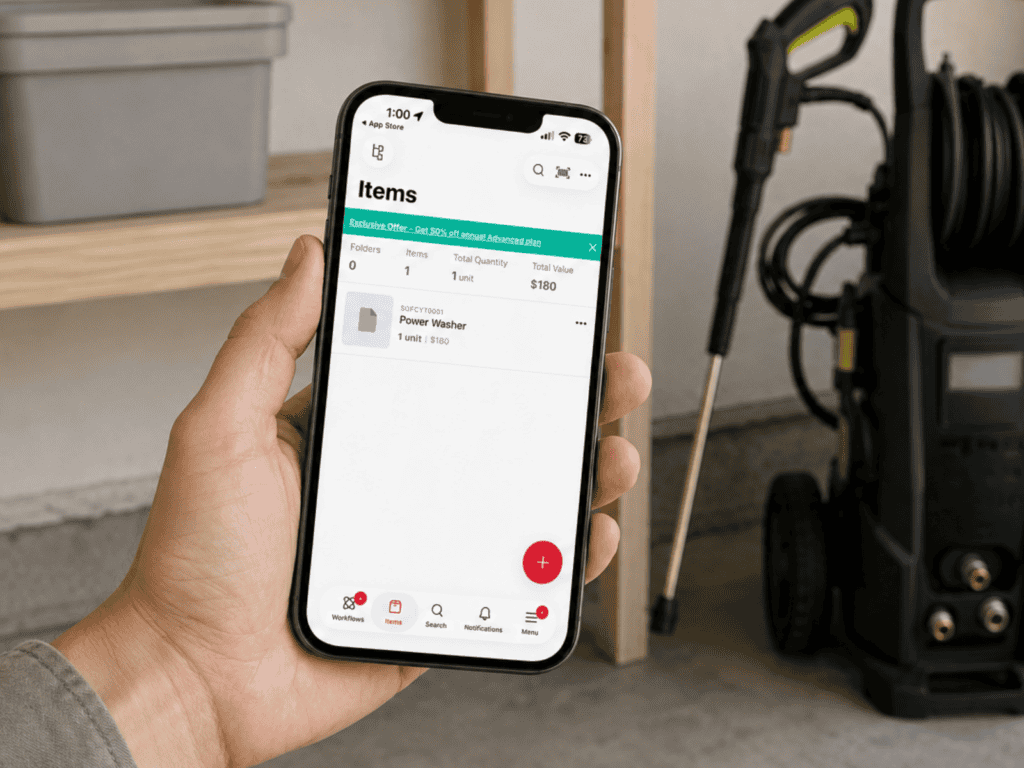
Sortly is primarily an inventory program, and its main market is businesses, but it also offers a version that can work for personal and home inventory.
This is not an app I would use to catalog every coffee mug or kitchen utensil.
It becomes useful when knowing exactly what you own—and where it is—actually solves a problem.
For example, you might use a home inventory for:
- holiday decorations stored in multiple places
- tools and equipment
- collectibles
- items in a storage unit
- belongings packed for a move
- higher-value household items
- boxes that are difficult to access
Sortly can organize items into folders and categories and lets you attach details and photos.
Best for: People who genuinely need to keep track of a large or complicated household inventory.
Skip it if: Creating the inventory would take more effort than the problem deserves.
Sometimes the best organizing decision is not to catalog everything you own. It is to decide whether you still need everything you’re storing.
8. Todoist: Best for Household Tasks and Projects
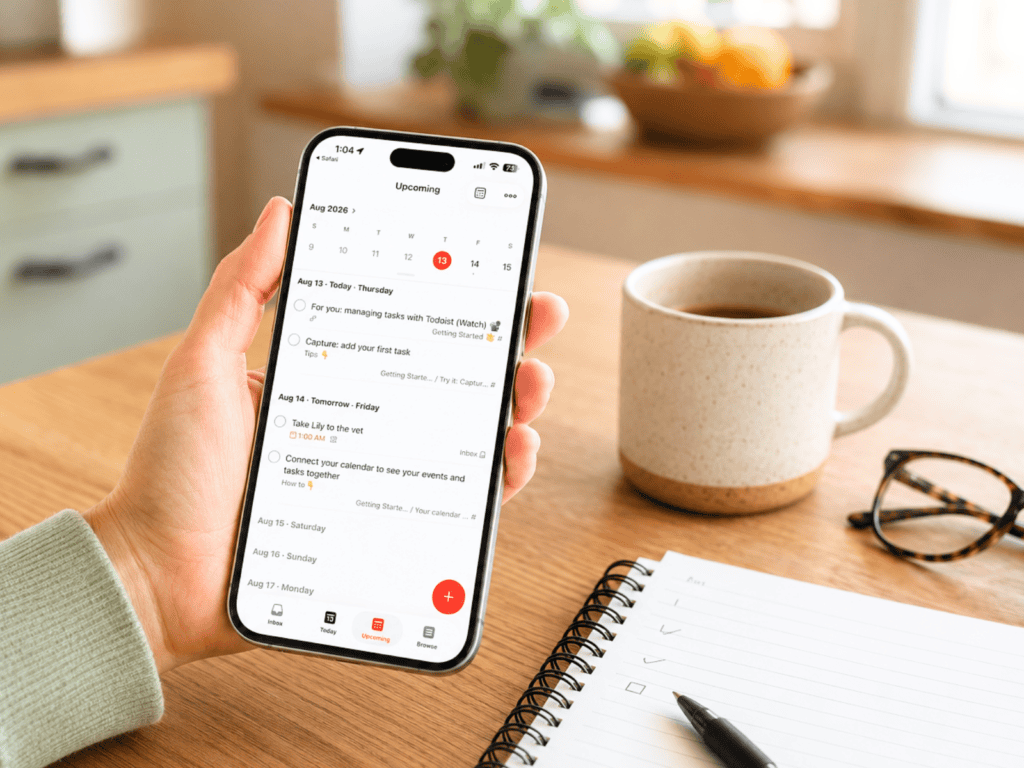
Todoist sits somewhere between a simple list and a full project-management system.
The free Beginner plan includes personal projects and task reminders, and Todoist supports recurring tasks.
For home use, I would keep it simple. You could create projects such as:
- House
- Errands
- Yard
- Home Projects
- Someday
- Moving
Then add specific tasks underneath them instead of carrying one giant mental list around all day.
It could also work well for a home project with several steps. “Organize garage” is vague. A Todoist project could break that into smaller actions such as measure shelving, donate unused sports equipment, recycle old paint, and label tool storage.
Best for: People who like lists and want more structure than a basic notes app.
Skip it if: You already manage household reminders successfully in Google Calendar. Do not duplicate the same tasks in two places unless there is a clear reason.
Which Free Home Organization Apps Are Actually Useful?
You do not have to pay for an app to get a more organized home.
If you specifically want free home organization apps, I would start with the ones that give you a useful system before asking you to upgrade.
- Google Calendar is a strong free option for appointments and recurring home reminders.
- OurGroceries gives you a free shared grocery-list system, supported by ads.
- Cozi includes useful household calendar and list features in its free plan.
- Tody currently offers a free, feature-complete plan for individual users.
Todoist, Sweepy, HomeZada, and Sortly also have free options, but whether those free versions are enough depends on exactly what you want the app to do.
Do not pay for premium features until you know you will actually use the basic system.
How to Choose a Home Organization App You’ll Keep Using
The app with the longest feature list is not necessarily the best one. Before choosing, ask:
What problem am I trying to solve?
Be specific. “I need to get organized” is too broad. “I forget quarterly home-maintenance jobs” gives you something you can actually fix.
Will I remember to open this app?
This matters more than people think. If you already live inside Google Calendar, adding reminders there may work better than downloading a separate home-maintenance app.
How many steps does the system require?
Every extra tap, category, tag, folder, and field makes a system slightly harder to maintain. Complexity is not automatically organization.
Does everyone who needs the system have access to it?
A beautifully organized household calendar does not help much if nobody else looks at it.
Can I start with the free version?
Use the basic system first. Upgrade when you can name the specific paid feature that would make your life easier.
When an App Isn’t the Best Organization System
Sometimes a home organization app is exactly what you need. Sometimes it is another place to put information.
If you keep downloading organization apps but never maintaining them, the problem may not be finding a better app. The system may simply have too many steps.
- A paper calendar may work better on the kitchen wall.
- A checklist may work better beside the washing machine.
- A basket may work better for things that need to go upstairs.
- A home binder may work better for information you want everyone to be able to find.
If paper works better for your brain, my Ultimate Home Binder with free printables gives you calendars, planning pages, cleaning schedules, and other household tools in one place.
You can also use these organization lists for a more organized life if you simply need a clear list rather than another app.
And if your phone already feels cluttered with apps, notifications, screenshots, and files, start with my Digital Declutter Checklist before downloading anything new.
The Best Home Organization App Is the One That Removes Work
You do not need all eight of these apps. Pick the one problem that creates the most friction in your home and try one solution.
- If you forget recurring household jobs, start with Google Calendar.
- If the grocery list is always in the wrong place, try OurGroceries.
- If cleaning feels random, try Tody or Sweepy.
- If household schedules and lists are scattered between several people, look at Cozi.
- If you’re managing the records and maintenance of a house, HomeZada may make more sense.
Start with one.
Give it enough time to see whether it actually makes something easier.
A good home organization system should take work off your plate—not become another thing you have to organize.
I find the free Cozi very useful. I have all my bills repeated monthly without amount then add amount paid and the confirmation or reference # when paid. Birthdays and anniversaries that repeat yearly on same date with name(s) and year born if you want to keep track of age. Reminders to change filters, razor blades, mascara, etc repeat as scheduled either weekly, monthly or every (?) months. Trips scheduled in advance can be set for the length of time and noted on each day to avoid scheduling something else on that date or to remember other things that happens during those dates (bills to take care of in advance.